From Screen to Stitch—Customize Your Quilts with Canva
Use a free tool to create your own lettering, design personalized quilt labels, and even turn photos into memory quilts.
You may not have heard of Canva, but it might just become your new best buddy for quilting.
I use it to add beautiful lettering to my blocks, customize labels for the backs of my quilts, and even upload images to create memory blocks. No graphic design experience required.
You don’t need to learn Illustrator. You don’t need PowerPoint. And you definitely don’t need to wrestle with tracing in EQ8—ask me how I know.
There’s a much simpler option: a free, web-based program called Canva. (And no, you don’t need the Pro version to make something beautiful.)

✂️ MESSAGES (Words Become Stitches)
- Create your own lettering
- Trace or print onto freezer paper or fabric
- Use for appliqué or embroidery
👉 Think: names, quotes, sayings

📸 MEMORIES (Quilts That Tell Stories)
- Upload photos
- Size and edit inside Canva
- Print onto fabric for blocks
👉 Memory quilts, journals, keepsakes

🏷️ LABELS (Finish with Intention)
- Personalized quilt labels
- Add dates, names, stories
- Print on fabric and stitch in
👉 No more Sharpie-on-the-back
I offer workshops for guilds, shows, and individuals where I walk you step-by-step through creating your own Canva-inspired quilt designs.
From simple lettering to personalized labels and memory projects, you’ll learn how to turn your ideas into something you can stitch into your quilts or embroidery projects.
🎤 Canva: Uncover Your Next Quilting Tool
Lecture / Trunk Show – 1 Hour
Take a peek under the quilt at this surprisingly powerful (and free) design tool. See how Canva has expanded the way I design quilts, labels, and stitched elements—with real examples and ideas you can try right away.
You’ll leave inspired with new possibilities and simple ways to start using Canva in your own quilting.
All Levels
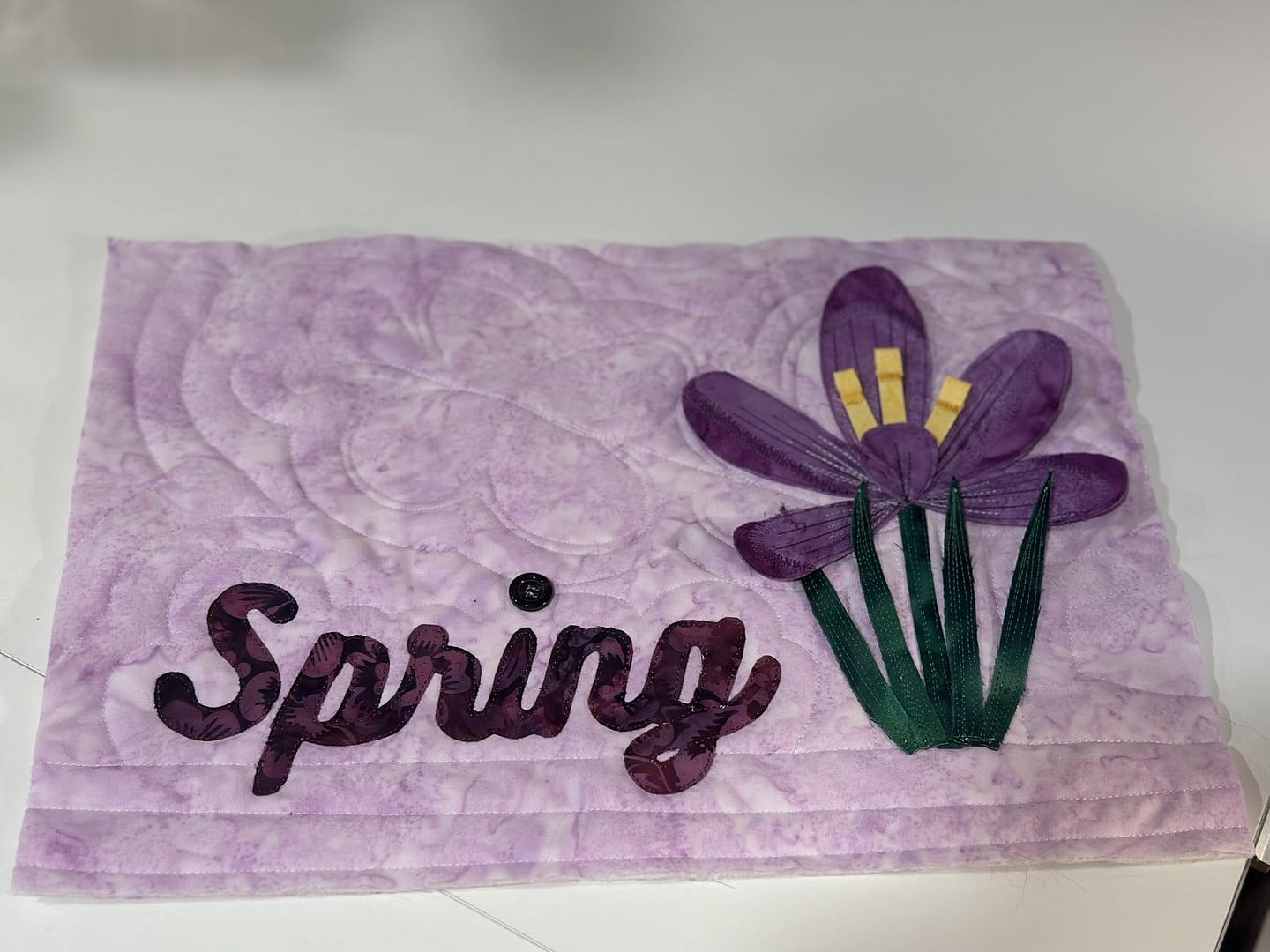
✂️ Say It with Stitches
3-Hour or 6-Hour Workshop
Turn your name, message, or favorite quote into a stitched design. Create lettering in Canva and transform it into an appliqué block or whole-cloth quilt.
You’ll leave with a finished (or nearly finished) piece and a process you can use again and again.
You’ll Learn How To:
- Design custom lettering in Canva
- Prepare designs for appliqué or embroidery
- Transfer designs to fabric
- Begin stitching your piece
All Levels
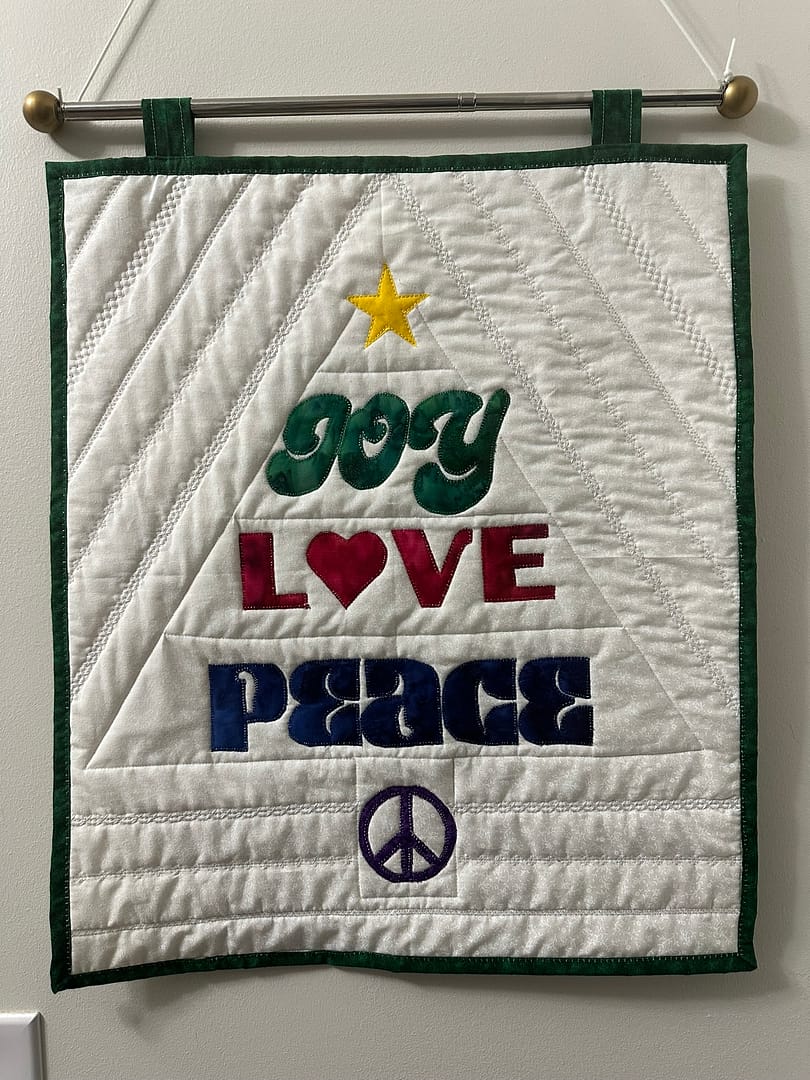
🏷️ Lovely Labels
3-Hour Workshop
Design quilt labels you’ll actually love—and finish them beautifully. From Canva design to printing on fabric and stitching it into your quilt.
You’ll leave with a completed label and the confidence to create custom labels for every quilt.
You’ll Learn How To:
- Create personalized labels (names, dates, stories)
- Format designs for fabric printing
- Print onto fabric
- Stitch labels into your quilt with intention
👉 No more Sharpie-on-the-back
All Levels
Upcoming Session:
👉 April 11, 12:00–3:00 PM ET – Register Here
Live session with recording available for participants.
Limited seats available
📸 Memory Masterpiece
3-Hour or 6-Hour Workshop
Create a meaningful quilt block using your own photos, a personal message, and a touch of piecing.
You’ll leave with a one-of-a-kind memory piece ready to incorporate into a quilt or keepsake.
You’ll Learn How To:
- Upload and edit photos in Canva
- Combine images with text
- Format for fabric printing
- Print onto fabric
- Build a memory-focused quilt block
All Levels

🧵 Quilting… You Say?
22-Week Quilt-Along – Begins June 1
Join a guided quilt-along where you’ll practice appliqué or embroidery using Canva-designed motifs to create a finished wall quilt.
You’ll build skills week by week while creating a complete project—with guidance, structure, and a little accountability along the way.
What’s Included:
- Weekly guided lessons
- Step-by-step appliqué or embroidery techniques
- A finished wall quilt project
- Community support and shared progress
All Levels
Curious what this could look like for your guild or group? Let’s make something fun together.